
Bring Your Own Device
Bring Your Own Device
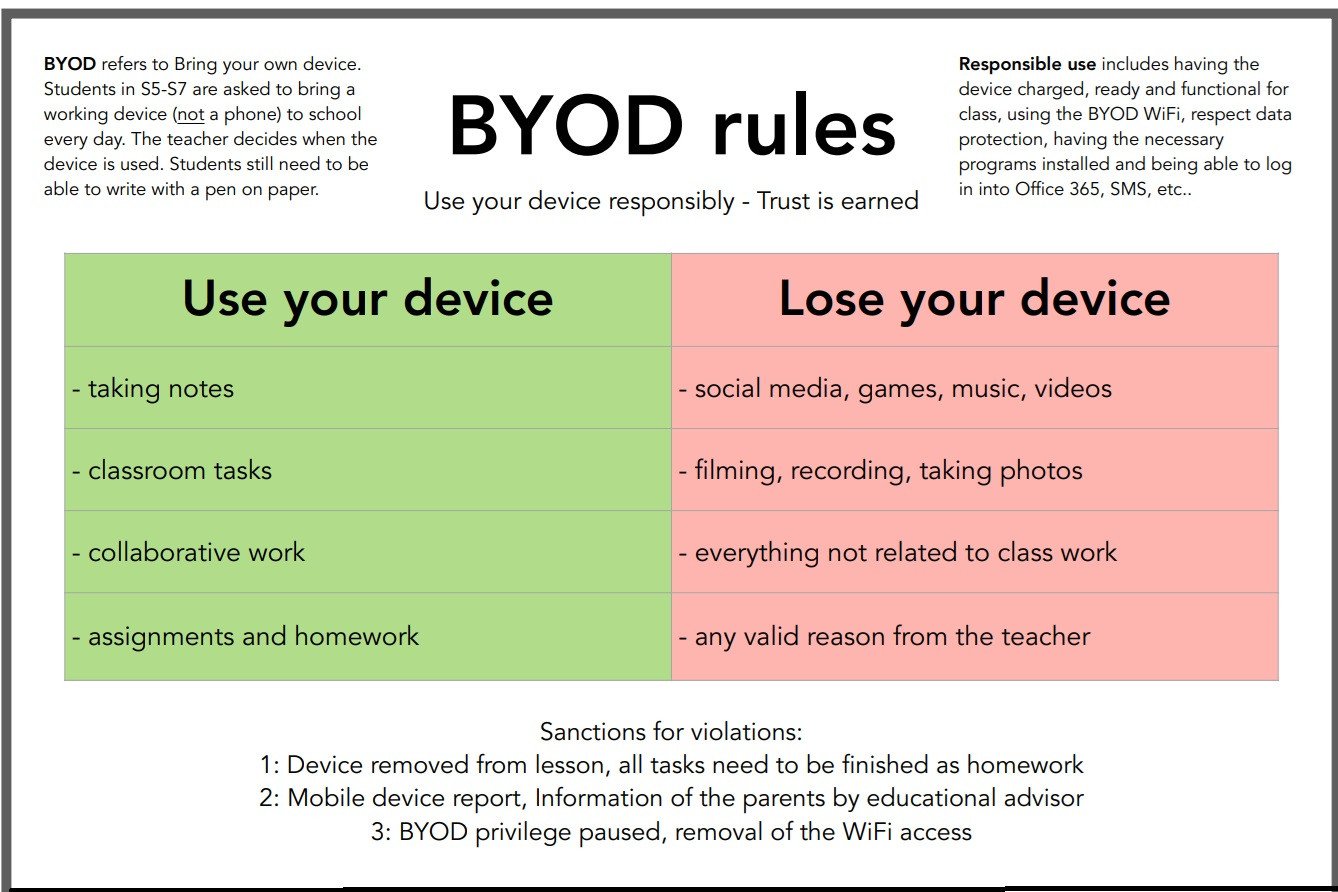
The BYOD programme requests students to bring their own mobile working device at school. Phones are not considered a device. S5, S6 and S7 students must have their device with them every day as integral part of their educational material.
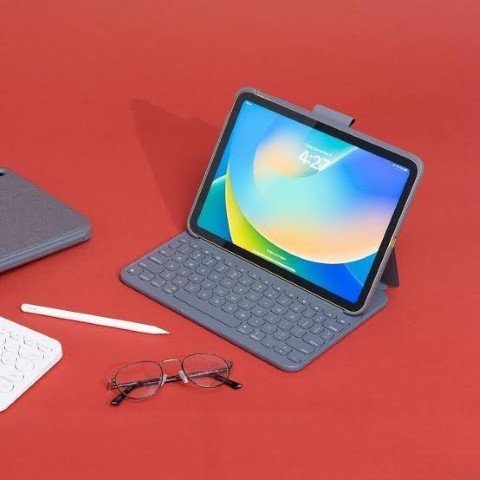
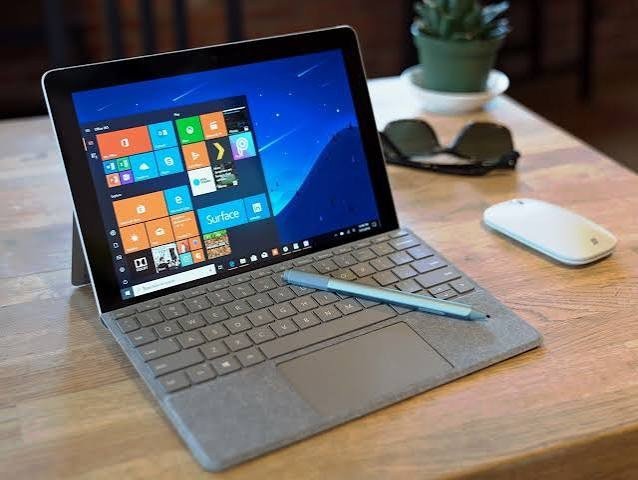
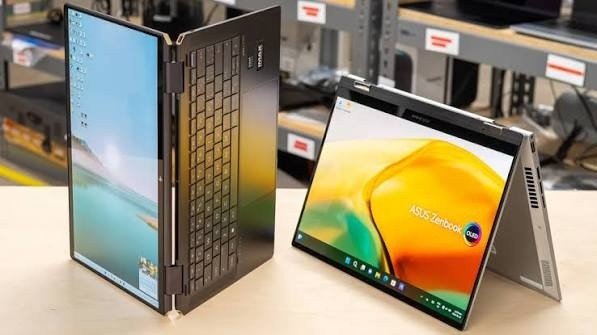
We do not recommend a specific device but the device needs to suit all possible educational uses. This is why for all students, we ask for tablet computers or 2-in-1 devices with the following educational and didactic specifications:
- The device must be operable while lying flat on a table.
- The device must have a keyboard/ able to be connected to one.
- The device must be operable with a digital pen.
- The device must have a good battery life and a display large enough to work on
- The device must have Microsoft office installed (can be downloaded for free for students)
The use of the device works according to the following rules for students:
- You are RESPONSIBLE for your device, including care, safety, charging, installing necessary programs, having it ready at the beginning of the lesson, etc. There is a possibility to charge the devices in the S5 and S6/S7 préau.
- You know all your SECURE passwords, especially for office 365.
- You make sure that you use the more reliable BYOD - Wi-Fi. S5-S6-S7 students can connect to the WOL-BYOD Wi-Fi network by using their credentials to log on to the school computers or Extranet Students.
The following are NOT allowed while using your device during lesson time:
- Games, social media, streaming or private communication (unless expressly authorised by teachers).
- Recordings (photo, video, sound) of persons or lesson content without the prior consent of the persons concerned and the teacher.
If you have problems with your Wi-Fi connection or your device (hardware) go to the IT department for the BYOD - Tech support.
If you need help to organise yourself on your device, to work more efficiently, or general software questions consult the BYOD coordinators Mr. Mastmeier and Ms. Wilke.
Examples: